How I helped a Disney Avid editor become fluent in Adobe Premiere Pro
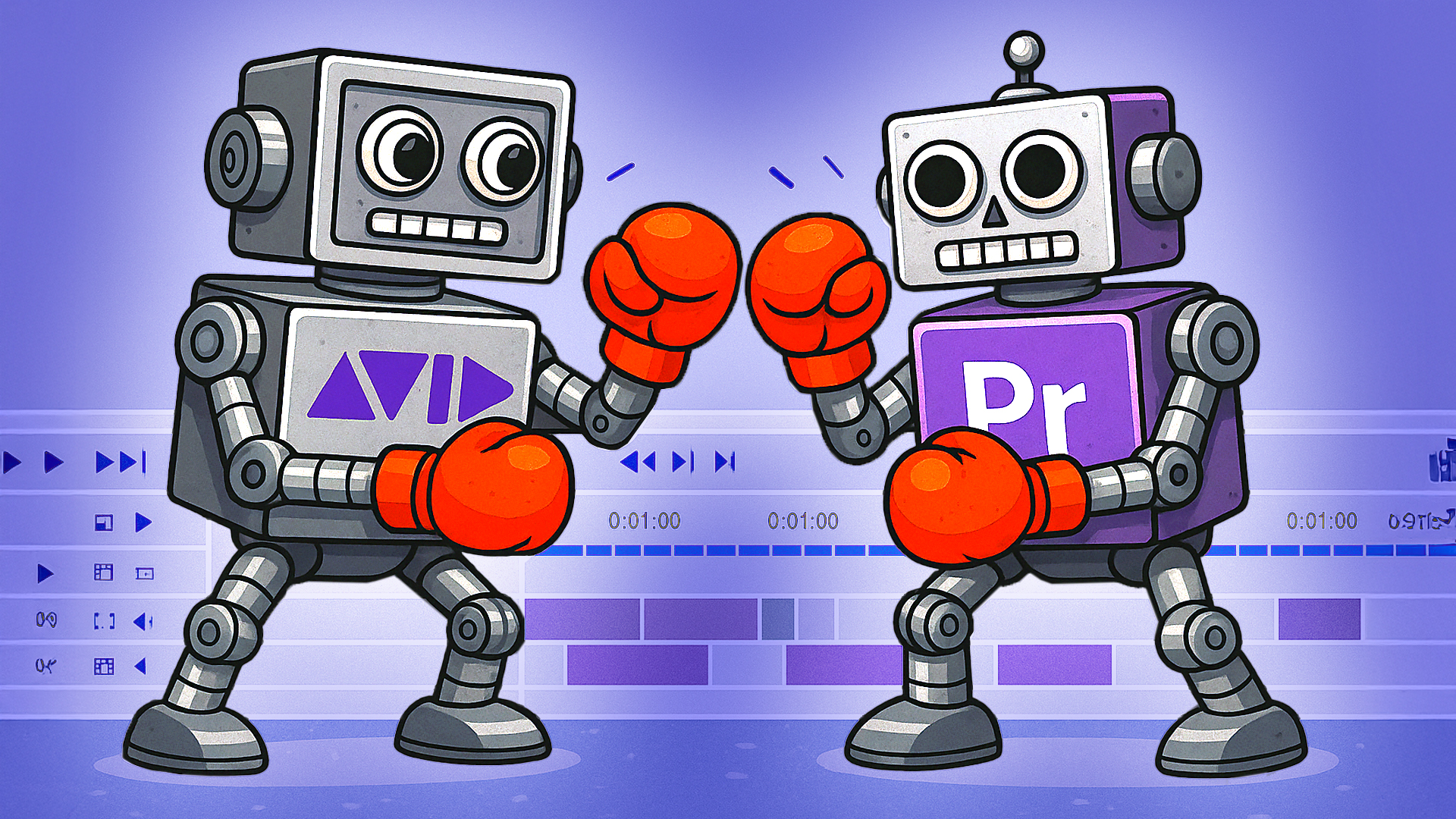
Avid to Premiere Pro: real results, real growth.
In today’s evolving video-editing landscape, many editors are facing a forced transition: they may have worked for broadcast networks or production studios using Avid Media Composer, but their companies are now migrating to Adobe Premiere Pro. That shift can feel daunting — even for seasoned editors.
One of my recent students, a studio editor at Disney with deep Avid experience, came to me with exactly that challenge. She was confident in her editorial skills, but the software change threatened to slow her down. Together, we created a targeted learning path that bridged her existing strengths to Premiere Pro fluency fast.
Why experienced editors still struggle with a software change
Transitioning from Avid to Premiere isn’t just learning new labels and panels. It’s changing your workflow, mindset, and habits. Even editors with decade-long careers can get stuck. They know what to do, but the how is different. According to recent analysis, mastering workflow and tool-mapping is more important than hours spent in tutorials.
My approach: live, one-on-one, project-based
With this student and others, I use a simple yet effective formula:
- We work live (either in-person or online) so you’re editing with me, not just watching me edit.
- We build your real project step-by-step, not generic drills.
- I focus on workflow, structure, and speed because in 2025, editing faster is nearly as important as editing well.
In this case, my Disney-editor student picked up Premiere Pro in four sessions and went from hesitation to efficient editing, trimming, organizing media, and exporting confidently for broadcast and online platforms.
Why this matters for editors and creators
Whether you’re an industry-seasoned editor or a YouTube creator just starting out, the right workflow makes all the difference. After working together, this student left a note that perfectly captures the result: “I already feel less worried about migrating — I can keep pacing my work without missing deadlines.”
If you’re moving from Avid to Premiere or you’re new to editing and want a structured sprint to get you moving, here’s how it works for you:
- Pay-As-You-Go Coaching: One-on-one, tailored to your pace.
- 4-Lesson Coaching Package (8 hours total): The most efficient path to real-world results.
- In-person in Los Angeles or online anywhere.
👉 Book a free 15-minute discovery call to see if this fits your goals and schedule: https://calendly.com/ajemedia/appointment
Based in Los Angeles, available globally online. Check out my 5-star Yelp reviews:
https://www.yelp.com/biz/alex-the-video-editor-tutor-los-angeles-3?osq=Alex+the+Video+Editor+%2B+Tutor
About Alexis J. Estevez | AJE Media
Alex is a Los Angeles-based video editing and branding coach, helping professionals and creators upskill and gain confidence. His practical, no-fluff coaching sessions are designed to get you creating smarter and faster.
#PremierePro #VideoEditing #LearnEditing #AvidEditor #BroadcastToCreators #AlexEstevezVideoEditingandBrandingCoach #AJEmedia #LosAngeles #Adobe
 A L E X